It's a TMS That Lives in Your Text Messages
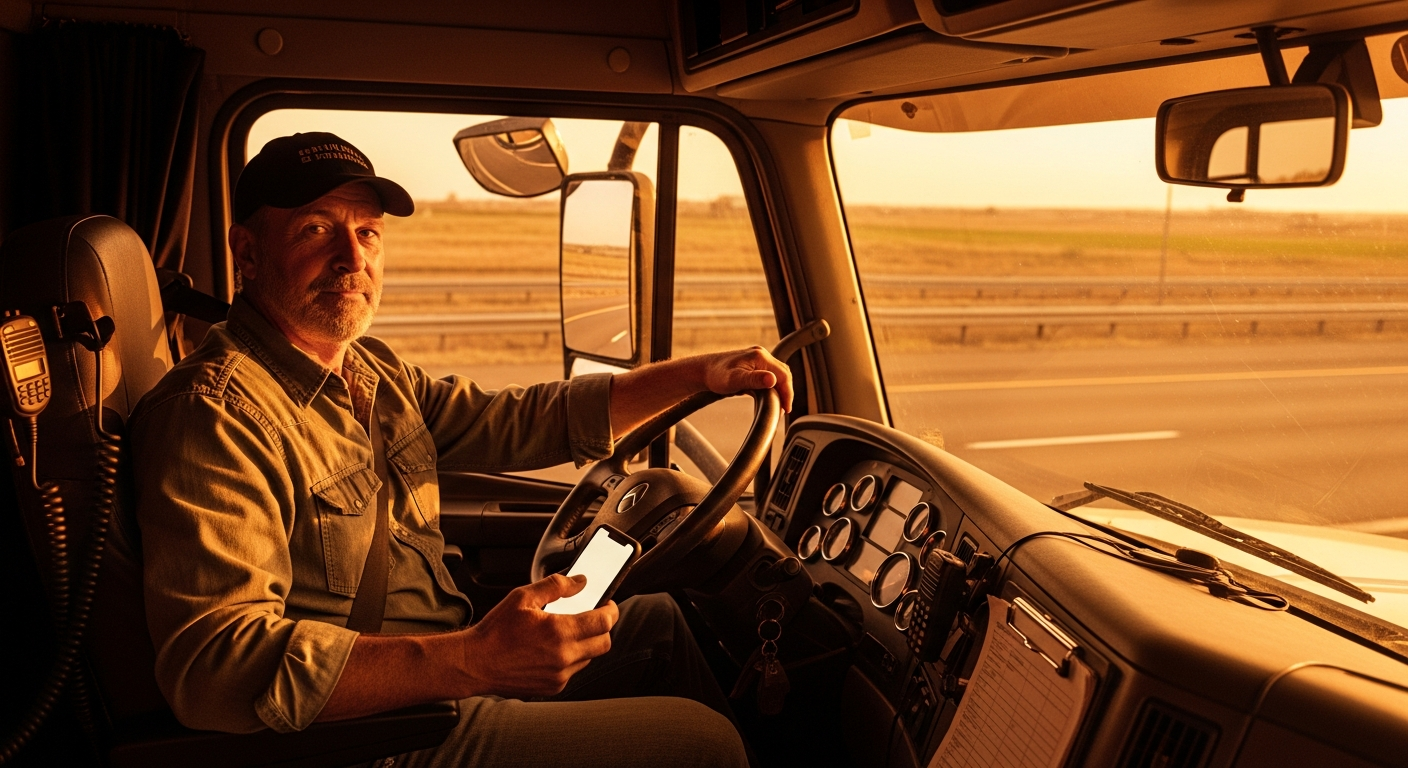
Most TMS software assumes you're sitting at a desk with a laptop. TruckIQ SMS assumes you're running your trucks from your phone — between broker calls, at a fuel island, or at the kitchen table at 6 a.m. Every single function runs through SMS, the same way you'd text a broker or one of your drivers. There's no separate interface to learn.
You forward a broker's rate confirmation to your TruckIQ SMS number, and it parses the load details — origin, destination, rate, broker name, pickup and delivery windows — and sends them back to you in a clean, structured format. That same information then becomes the foundation for dispatch, invoicing, and broker updates.
What It Actually Does, Feature by Feature
Here's what happens inside a TruckIQ SMS conversation on a real load.
Every step is triggered by a text you send or a photo you take. Nothing requires you to open a different app or log into anything.
Why It Runs on Text Instead of an App
Desktop TMS platforms are designed for fleets with office staff. Someone sets up the software, someone enters the loads, someone chases the paperwork. That works at 50 trucks. At 4 trucks, the owner is all of those people at once, and the software sits unused.
So TruckIQ SMS is built around a simple rule: if a tool doesn't work on a phone, in a parking lot, in under 30 seconds, it doesn't get used. Text messages already carry most of a small fleet's business — rate cons, dispatch instructions, POD photos — so the system lives there instead of asking you to move your work somewhere else.
Who TruckIQ SMS Is Built For
TruckIQ SMS is for fleet owners running 1 to 10 trucks who handle their own dispatch, invoice their own loads, and run the business from their phone. If you're already texting brokers, sending load details to your drivers, and collecting POD photos, TruckIQ SMS fits into what you already do.
It's not built for a large fleet with a full-time dispatch department on desktop software. It's not a load board, it won't file your IFTA, and it won't replace a real accounting system if you have a bookkeeper. It does the specific work — load intake, dispatch, invoicing, and getting paid — that falls through the cracks at small fleets that never had time to set up software.
How to Get Started
Onboarding takes about 90 seconds over text. You text START to 978-878-2547 — easy to remember as 978-TruckIQ — it runs an automatic FMCSA SAFER lookup using your MC number, confirms your carrier info, and you're live. No credit card form to fill out mid-day, no PDF to upload, no account to create on a website.
From that point forward, every interaction happens in the same text thread. Forward a rate con, get a structured load back. Text a POD photo, get an invoice emailed. The whole thing runs on the phone you already have.
Text START to 978-878-2547 — that's 978-TruckIQ — and your FMCSA SAFER lookup runs automatically. Your first load is ready to dispatch in under two minutes, no app and no login required.
Text START to 978-878-2547 →This article is for general informational purposes, not legal advice. Verify specifics against current regulations or your compliance counsel.